
Why Is My OBD Port Not Working?

5 things to check when an OBD2 port stops working
-
01
Check the fuse first. On many cars it is shared with the cigarette lighter.
-
02
Pin 16 should read about 12 volts with the key off. That pin is your power supply.
-
03
Bent or corroded pins are the second most common cause, and often fixable.
-
04
Only one device can use the port at a time. Splitters are unreliable.
-
05
Sometimes the port is fine and the scanner is the problem. Test it elsewhere.
This page contains an Amazon affiliate link. We earn from qualifying purchases at no extra cost to you.

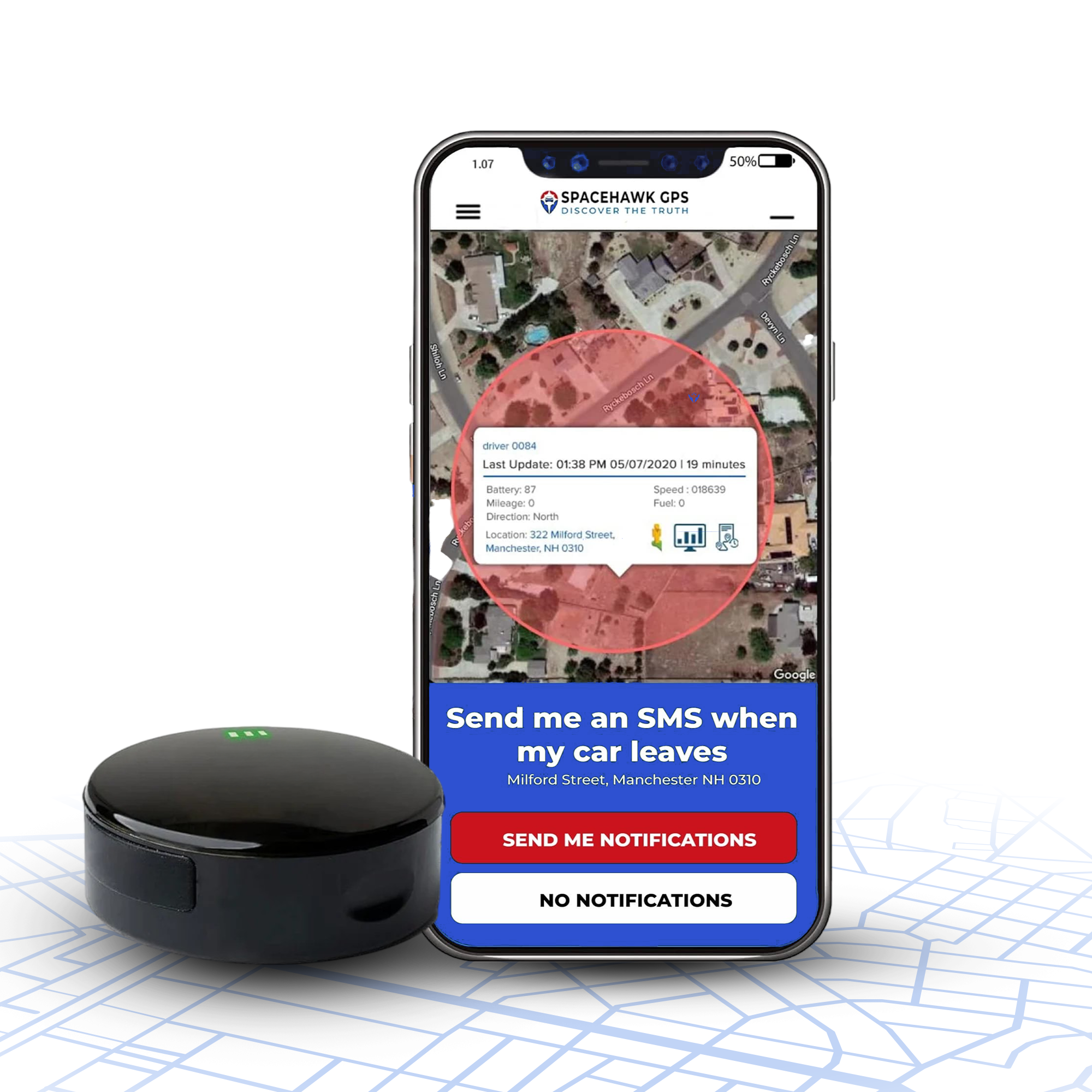
The tracker most people are trying to plug in
Konnect OBD2 GPS Tracker
Plugs into the same port this article is about, and starts reporting in about ten seconds. Updates every 3 seconds against an industry norm of once a minute. $39.00 on sale from $99.00, then $8.95 a month flat with no contract.
If your port is dead, fix it first. The troubleshooting starts below.
A dead OBD2 port is annoying in a specific way. Nothing looks broken. The scanner just sits there with a blank screen. You have no idea whether the fault is the car, the port or the tool.
Good news: most of the time it is something cheap. Below are the five causes worth checking, in the order a mechanic would check them. Then how to test the port yourself with a multimeter.
What the OBD2 port actually is
OBD stands for On-Board Diagnostics. The port is the standardized socket that lets an external tool talk to your vehicle's computer. You will find it under the dash on the driver's side.
When a sensor detects a fault, the car stores a trouble code. That is what triggers a check engine light. A scanner plugged into this port reads those codes, and clears them once the fault is fixed.
Every car and light truck sold in the US since then has an OBD-II port. Diesels followed in 2004.
OBD-II standardized more than the plug. The specification fixes the connector shape, the pinout, the electrical protocols and the message format. Hence a $20 scanner working across almost every brand.
5 reasons an OBD2 port stops working
A blown fuse, and start here
This is the most common cause by a wide margin, and the cheapest to fix. The port draws constant battery power through a fuse on pin 16. That fuse is often shared with the cigarette lighter or the auxiliary power outlet.
So there is a free diagnostic sitting in your dashboard. So a dead 12V outlet almost certainly means you have found the problem without touching a multimeter.
Fix: check the fuse box for one labeled OBD, DLC, DATA LINK or CIGAR. Replace it with the same amperage even if it looks intact.
Damaged or corroded pins
This connector sits near the driver's feet and gets kicked. Terminals bend, spread, or corrode where moisture and grit reach them. A spread terminal makes contact one day and not the next.
Intermittent faults almost always point here. A scanner that works if you wiggle the plug is telling you something specific.
Fix: inspect with a flashlight, clean gently with a small brush, and straighten a bent pin carefully. A badly spread terminal means a new connector.
Faulty wiring behind the port
Heat, vibration and the occasional aftermarket install take a toll on the loom running back to the computer. A wire can chafe through without anything being visible from the front.
Fix: back-probe the connector rather than pulling on wires. If power reaches pin 16 but nothing communicates, the data lines are the next suspect.
The scanner, not the port
Worth ruling out before you take the dash apart. Cheap tools often speak CAN only, which fails on older vehicles running PWM, VPW or ISO protocols.
A weak battery causes the same symptom. Low voltage makes the data bus lose sync, so the scanner connects and then drops.
Fix: try the scanner on another car. If it fails there too, you have been chasing the wrong fault.
Physical damage to the connector
An impact, a knee, or a previous repair can crack the housing or knock the port out of alignment. A plug that no longer seats squarely will not make contact across all sixteen positions.
Fix: check the housing sits flush in its bracket. A replacement pigtail is an inexpensive part; the labour is getting to it.
How to test an OBD2 port with a multimeter
You need a multimeter and about ten minutes. Drop the lower steering column panel and release the connector from its bracket. That gets you to the back of the sixteen pins.
Back-probe, do not front-probe. Pushing a meter probe into the front of a terminal spreads it. A spread terminal is the fault you were trying to diagnose. Slide the probe in alongside the wire at the back instead.
- Test pin 16 for power.Set the meter to DC volts. Red probe on pin 16, black probe on a known good chassis ground. You want roughly 12 volts, and it should be there with the ignition off, because pin 16 is unswitched.
- If pin 16 reads zero, go to the fuse box.No voltage means no power reaching the port. Suspect a fuse or a wiring fault, not a dead computer.
- Check pin 4, the chassis ground.Switch the meter to resistance. Measure between pin 4 and bare metal on the vehicle frame. You want under about 0.1 ohms.
- Check pin 5, the signal ground.Same test, same target. Pin 5 is the reference the data circuits use. High resistance here produces erratic readings rather than a clean failure.
- Still nothing? Check the CAN lines.With the battery disconnected, measure resistance across pins 6 and 14. A healthy CAN bus reads about 60 ohms. Anything wildly different points at the network rather than the port.
Two things worth knowing before you probe
Pin 4 and pin 5 are both grounds, but they are not interchangeable. Pin 4 is chassis ground and pin 5 is signal ground, which the computer uses as a voltage reference. Wiring a device to pin 5 can skew sensor readings across the car.
Disconnecting the battery for the resistance tests clears radio presets and adaptive settings on most cars. Do the voltage test first, while the battery is still connected.
Port healthy again?
Konnect plugs into it and reports every 3 seconds, with a flat $8.95 monthly plan and no contract.
See the Konnect OBD2
Can two devices share one OBD2 port?
No, and the reason is worth understanding rather than working around. OBD2 was designed for one scan tool at a service appointment. Not for a permanent bus of consumer gadgets.
Splitter cables exist. They are unreliable. Two devices polling the same data lines interfere with each other, and the failures are intermittent rather than obvious.
So if you want a heads-up display and a tracker, pick one for the port. Power the other from the fuse box or the 12V outlet. A hardwired install is the clean answer where both matter.

Can plugging things in damage the port or the car?
Mostly no, with two honest exceptions worth knowing.
The connector is built to outlast the vehicle, and occasional swapping will not wear it out. Nobody is getting a shock from it either, since 12 volts DC cannot push meaningful current through skin.
A dongle that never sleeps
That pin is unswitched, so it stays live with the engine off. A cheap device that never drops into low power keeps drawing from a parked car's battery. Over a week or two that can flatten it.
Ask before you buy: does the device sleep when the vehicle is parked? Anything worth fitting manages its own draw.
Shorting a pin while probing
Bridging two terminals with a meter probe can damage a control module, not just blow a fuse. Modules are a far more expensive mistake than a five dollar fuse.
Avoid it: back-probe from behind the connector and use insulated probes. Keep the ignition off unless a step needs power.
The real hazard is more mundane. Plenty of people have cracked their head on the steering wheel reaching up under the dash. Get the seat back first.
Sources
OBD-II connector pinout and the 1996 US requirement: pinoutguide.com
Port working? Put it to use.
Konnect plugs in once and reports every 3 seconds, with a lifetime warranty and support you can actually reach.
Shop the Konnect OBD2Frequently asked questions
Where is the OBD2 port on my car?
Under the dash on the driver's side, usually within reach of the steering column. Manufacturers hide it in different spots. Check behind a small trim panel, above the pedals, or near the center console.
Can the OBD2 port be split between two devices?
Not reliably. Splitter cables are sold, but two devices talking on the same data lines interfere with each other. The resulting faults are intermittent rather than obvious.
Run one device in the port and power anything else from the fuse box or the 12V outlet instead.
Is it safe to plug and unplug OBD2 devices often?
Yes for normal use. The connector handles repeated cycles and will outlast the car under ordinary swapping.
What does cause wear is forcing a plug in at an angle, or front-probing the terminals with a meter. Both spread the contacts, which is exactly the fault that produces an intermittent connection later.
Can an OBD2 device damage my vehicle?
A well-made device, no. There are two genuine risks worth knowing though, and most articles skip both.
Pin 16 stays live with the engine off. A cheap device that never sleeps can drain a parked car's battery over a week or two. And shorting a pin while probing can damage a control module, not just blow a fuse.
My scanner says no communication. Is the port dead?
Not necessarily. That message often means the scanner has power but cannot reach the computer. Suspect the data lines, the protocol or the tool itself.
Test the scanner on another vehicle first. Budget tools frequently speak CAN only, which fails on older cars running PWM, VPW or ISO.
Will a GPS tracker work if the port is faulty?
No. A plug-in tracker draws power and data from the same pins a scanner uses. A dead port means a dead tracker.
Fix the port first. If the wiring is beyond repair, a magnetic battery-powered tracker sidesteps the port entirely. That type needs no connection to the vehicle.
- Choosing a selection results in a full page refresh.
- Opens in a new window.
 Buy on Amazon